
Who we serve / Large medical groups
Many clinics. One connected way of working.
For large medical groups and hospitals: connect practitioners, secretaries and clinic locations. Bring scheduling, access and patient discovery into a clearer working day, with a rollout shaped around your organisation.

More locations. Less operational friction.
01 YOUR SECRETARIES, SUPPORTED
Make the front desk part of the picture.
The people coordinating your day need tools of their own. Invite secretaries into the clinics they support, so they can work from an administrative workspace without sharing a practitioner’s login.
- Send invitations and manage clinic memberships.
- Switch between assigned clinic workspaces.
- Coordinate appointments and patient administration within granted capabilities.
02 STRUCTURE AS YOU GROW
Consistency for the team. Flexibility for each clinic.
Different locations can offer different services and hours. Configure those details where they belong, while keeping scheduling and clinic management familiar for the people moving between them.
- Keep service prices, durations and booking options local to each clinic.
- Move between calendar views and clinic filters.
- Plan group-wide ownership and oversight requirements with GoMed.
03 A CONNECTED PATIENT JOURNEY
Help patients find the right person, in the right place.
A group’s strength is the expertise within it. Professional profiles connect that expertise to clinic locations and services, helping patients make sense of their options on GoMed Search.
- Present professional expertise and clinic details clearly.
- Keep booking requests connected to the relevant clinic.
- Retain profile review, booking confirmation and clinical-access safeguards.
04 CLEARER HANDOVERS
Shared context makes coordination easier.
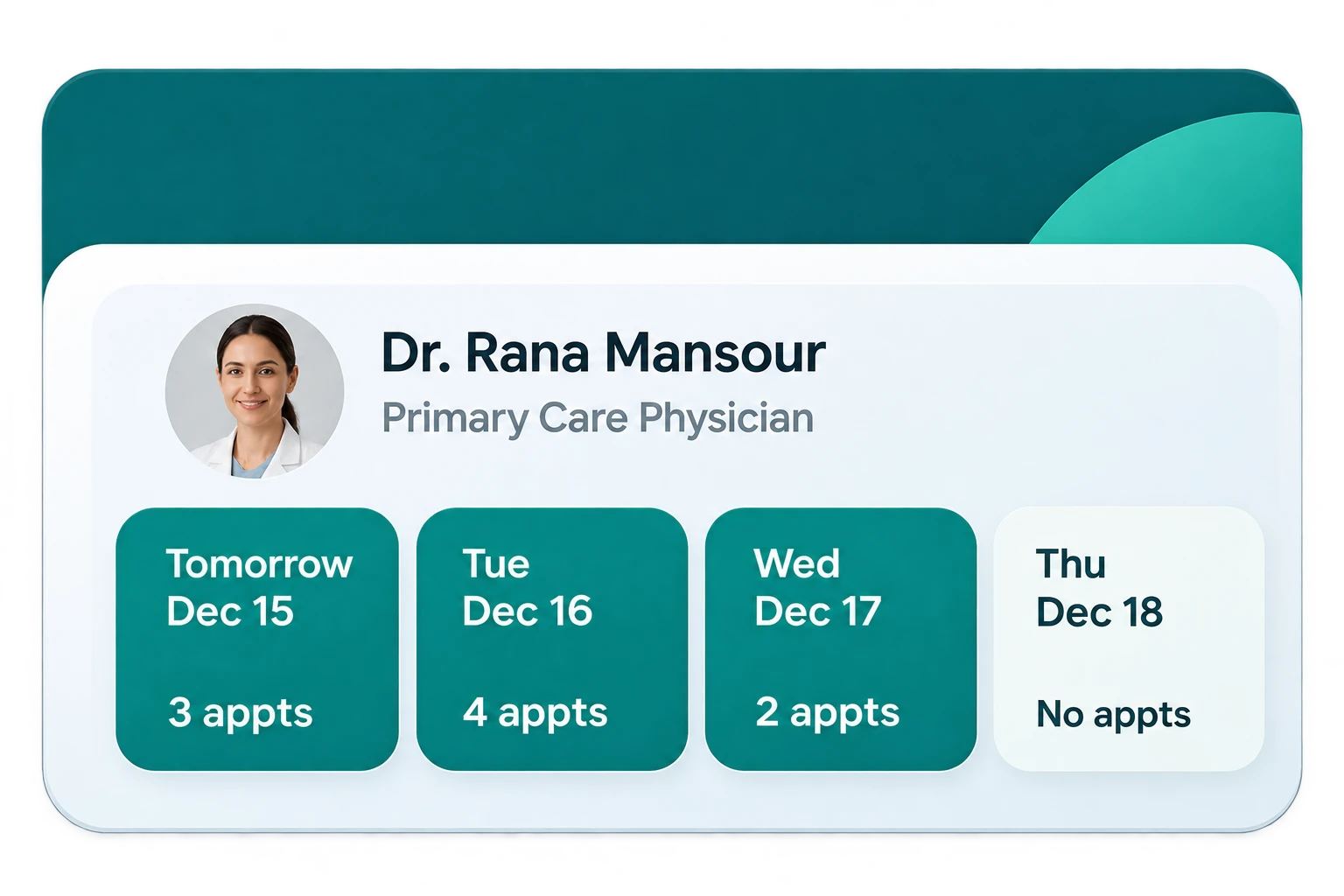
Schedules, appointment status and patient administration give teams a common reference for the next step. For a hospital rollout, start a conversation about departments, governance, communication channels and any required system connections.
- Make appointment decisions visible within the authorised workspace.
- Keep administrative follow-up connected to the right clinic.
- Agree the rollout scope and integration requirements with GoMed.
05 A CLEARER VIEW OF ACTIVITY
Make room for a more informed next step.
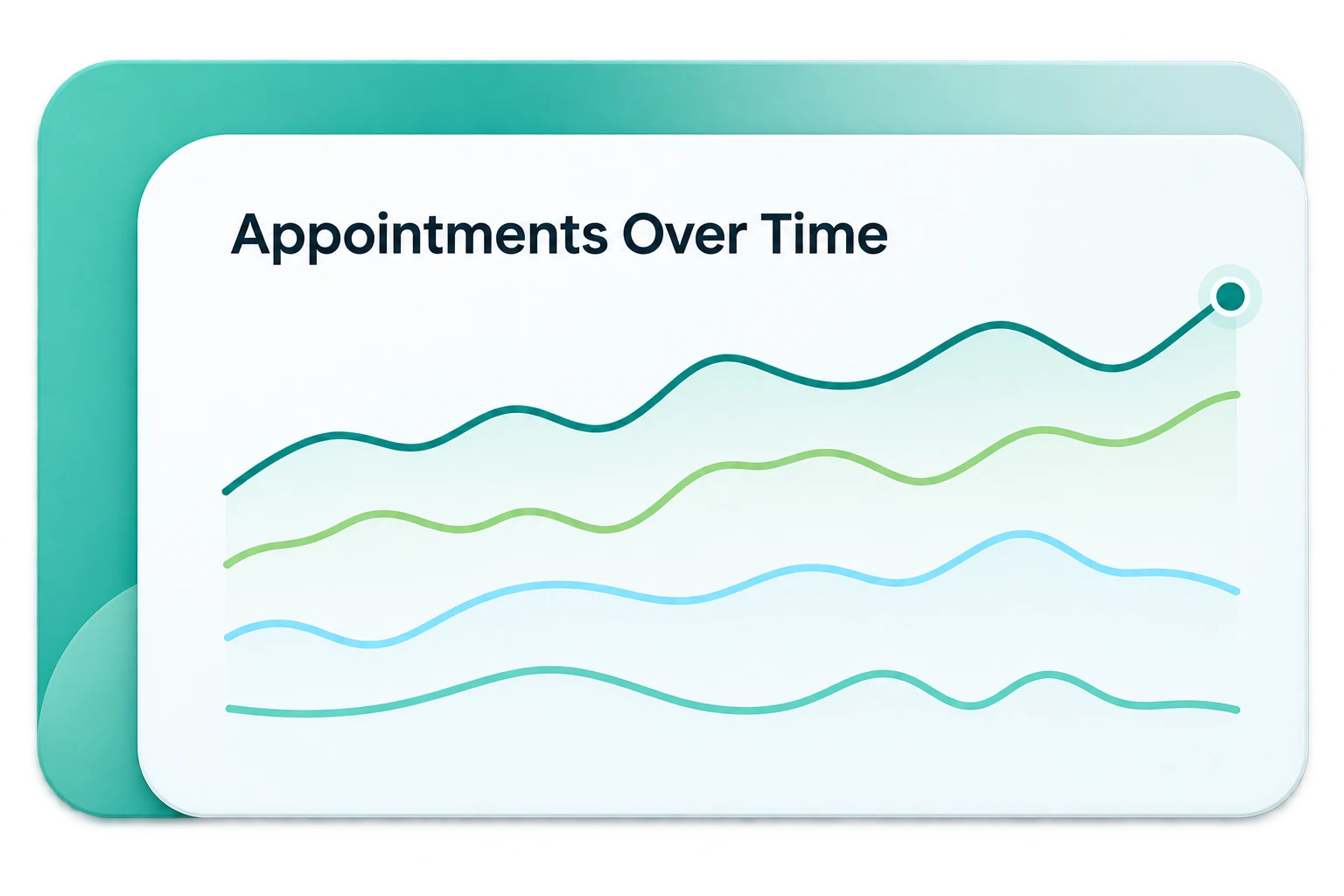
A growing organisation needs a shared understanding of its appointment workflows. Discuss the reporting, capacity and oversight requirements that matter to your teams before a wider rollout.
- Review how appointments move across clinic workflows.
- Agree your reporting and governance needs with GoMed.
- The chart is illustrative, not a claim of measured results.
A little more detail
A few practical answers.
Can a secretary work with more than one clinic?
Yes. A secretary can switch between the clinic workspaces they have been assigned. Each workspace follows its own active membership and granted capabilities.
Does every colleague see clinical records?
No. Administrative access is distinct from clinical access. Clinical records remain subject to professional authorisation, patient consent and sharing rules.
Can GoMed support a hospital-wide rollout?
Talk to us about your outpatient workflows, locations, access model and existing systems. GoMed’s clinic tools provide a starting point; hospital-wide administration, integrations and capacity requirements need a scoped assessment.
What does communication mean in GoMed?
Teams coordinate through shared schedules, appointment states and authorised workspaces. GoMed does not currently provide a general staff-chat or hospital messaging system.
GoMed · Large medical groups
Give your group room to grow.
Let’s discuss your locations, practitioner ownership and secretary workflows, and build a clear plan for adopting GoMed.